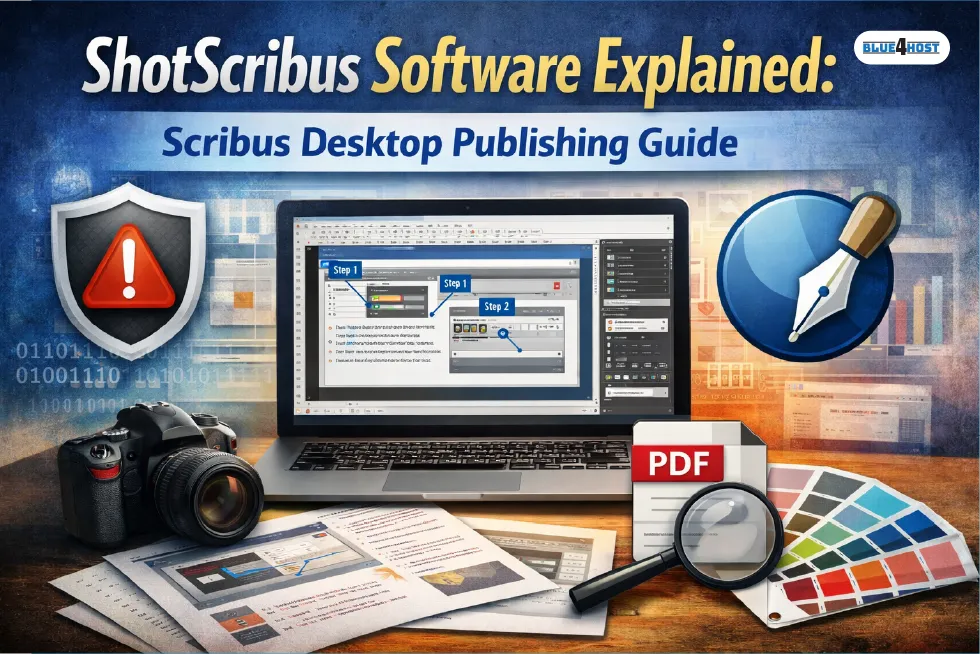
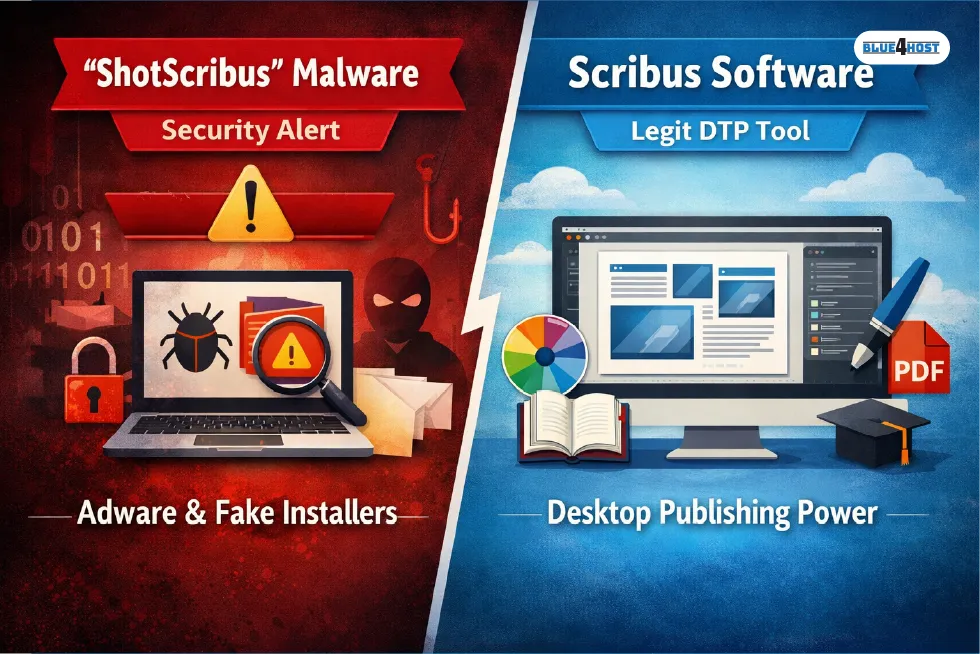
When people search for shotscribus software, they’re usually confused—and for good reason. The term shows up in two very different contexts online. In security reports and removal guides, “ShotScribus” is commonly flagged as an unwanted application or adware bundle that borrows the names of legitimate open-source tools. At the same time, many users genuinely want to understand whether this term has anything to do with Scribus, the well-known desktop publishing application.
This article clears that confusion without dodging it.
ShotScribus is not an official Scribus feature, plugin, or workflow name recognized by the desktop publishing community. If you encountered it as a suspicious app, uninstalling it is the right move. However, once that misunderstanding is addressed, there is real value in explaining how Scribus itself is used for screenshot-heavy publishing projects—the practical need that often sits behind searches for shotscribus software.
Scribus has quietly become a trusted tool for manuals, tutorials, and documentation built around screenshots and structured layouts. That legitimate use case is what this guide focuses on, while keeping the facts straight.
Understanding ShotScribus Software in Simple Terms
Let’s be precise.
- ShotScribus is not a real product or official workflow term
- Security vendors and removal guides identify it as an adware or deceptive installer name
- Scribus, by contrast, is a legitimate, open-source desktop publishing application
So why does the keyword exist at all? Because users searching for shotscribus software often fall into one of two groups:
| User Intent | What They’re Really Looking For |
|---|---|
| Security concern | How to remove a suspicious app named “ShotScribus” |
| Publishing need | A way to create screenshot-based documents with Scribus |
This article addresses the second intent, while making it clear that Scribus itself should always be downloaded from official sources only.
In simple terms, Scribus is used as a layout engine for documents where screenshots are central—software guides, UI walkthroughs, internal manuals, and educational PDFs. That practical workflow exists, even if the name “ShotScribus” does not.
Why Scribus Works So Well for Screenshot-Heavy Documents
Precision Over Convenience
Scribus is unapologetically precise. Every element lives inside a frame, and nothing moves unless you move it. For screenshot-heavy documents, that’s not a flaw—it’s the advantage.
When you’re placing interface screenshots next to captions, arrows, or numbered steps, accidental shifts can destroy clarity. Scribus keeps layouts stable, even across long documents with dozens of images.
True Desktop Publishing Standards
Scribus was designed for professional output, not quick drafts. It supports:
- CMYK and RGB color spaces
- ICC color profiles
- PDF/X standards for print and archival use
This is why Scribus appears frequently in academic publishing, open-source documentation, and training material. The software gives full control over typography, layout logic, and PDF generation without locking users into subscriptions or proprietary formats.
Common Real-World Uses of ShotScribus Software Searches
Even though the name itself is misleading, the need behind it is real.
Software Manuals and User Guides
This is the most common scenario. Teams create structured PDFs that include:
- Application screenshots
- Configuration panels
- Step-by-step visual instructions
Scribus handles large files gracefully, even when documents exceed 100 pages.
Educational and Training Material
Educators use Scribus to build lesson PDFs that combine explanations with tool screenshots, dashboards, and workflows. Text remains readable, and images stay sharp, even after export.
UI and UX Case Studies
Designers often need to show interface changes or feature breakdowns. Scribus allows precise image placement, consistent labeling, and layered visual explanations without clutter.
Key Features That Power Screenshot-Based Scribus Workflows
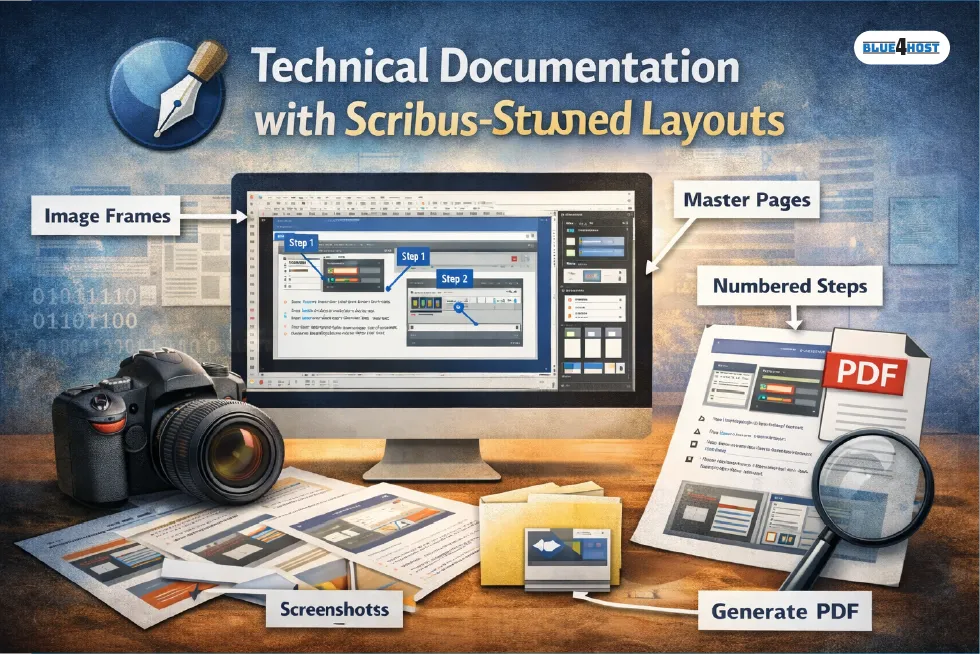
Frame-Based Layout System
Everything in Scribus—text, images, shapes—lives inside frames. Once you understand this system, layout control becomes predictable instead of fragile.
Image frames keep screenshots locked in place while text frames flow around them cleanly.
Image Control Without Quality Loss
Screenshots live or die by clarity. Scribus lets you control scaling, DPI, and export settings manually, so UI text doesn’t turn fuzzy during PDF generation.
This matters for technical documentation where small interface details matter.
Master Pages for Long Documents
Long manuals benefit enormously from master pages. Headers, footers, page numbers, and repeating visual elements stay consistent, even as screenshots are added or replaced later.
Scribus vs Other Desktop Publishing Tools
Scribus vs Adobe InDesign
| Feature | Scribus | Adobe InDesign |
|---|---|---|
| Cost | Free, open source | Subscription-based |
| Screenshot handling | Excellent | Excellent |
| Learning curve | Steeper | Smoother |
| File ownership | Fully local | Adobe ecosystem |
InDesign is polished and faster for designers, but Scribus holds its ground for documentation where control and longevity matter more than speed.
Scribus vs Affinity Publisher
Affinity Publisher is more beginner-friendly, but Scribus remains popular with Linux users and open-source teams. For projects meant to stay editable long-term, Scribus files feel safer.
Practical Tips for Better Scribus Screenshot Documents
| Tip | Why It Matters |
|---|---|
| Use a dedicated screenshot tool | Cleaner images, consistent resolution |
| Organize images early | Prevents broken links later |
| Learn paragraph styles | Saves hours on large documents |
| Lock image frames | Avoid accidental shifts during edits |
Scribus isn’t forgiving if you stay unorganized—but it rewards discipline with stability.
Pros and Cons of Using Scribus for Screenshot Publishing
Pros
- Free and open source
- Professional desktop publishing output
- Excellent image clarity control
- Works on Windows, macOS, and Linux
Cons
- Steeper learning curve
- Interface feels dated
- Fewer automation shortcuts
For documentation and training material, the pros usually outweigh the cons.
FAQs About ShotScribus Software
No. It is not an official tool, plugin, or workflow name. Scribus should only be downloaded from its official website.
Because the name has been used by deceptive installers and adware bundles that imitate legitimate software names.
Yes. Scribus is actively maintained and widely used in education, technical publishing, and open-source projects.
Absolutely. With styles and master pages, Scribus scales very well.
Final Thoughts
Searching for shotscribus software often starts with confusion—sometimes even concern about an unfamiliar program on a computer. It’s important to separate that security issue from the real tool behind the name.
Scribus itself is a legitimate, powerful desktop publishing application. For manuals, tutorials, and visual documentation built around screenshots, it remains one of the most reliable free options available.
If your work depends on structured layouts, consistent visuals, and print-ready PDFs, learning Scribus is worth the effort. Once you master frames and styles, your documents become cleaner, more stable, and far easier to maintain over time.
Takeaway:
Avoid anything labeled “ShotScribus” outside official sources—but don’t overlook Scribus. Used correctly, it delivers professional screenshot-based publishing without subscriptions, lock-ins, or compromises.
Related Article: Data Softout4.v6 – A Guide to Structured Workflows and Validation in Python